
Looking for AI tools that actually do something useful? I’ve tested with hundreds of AI tools over the last four years, many of which don’t work. I’m referring to hundreds. Most of them? A total waste of time.
The type is familiar to you. A simple program is labeled “AI-powered” by a startup, which raises millions of dollars and creates a lot of hype before nothing happens. In reality, the tool doesn’t assist anyone in doing anything useful.
I’ve tested everything and have selected eight AI technologies that are genuinely beneficial. Not much hype. Not a fluff. Just time, money, and effort-saving tools.
Quick Comparison Table
| Tool | Best For | Pricing |
| Pomelli AI | Automated video ads | Paid (verify) |
| Miro Flows | Brainstorming → action | Subscription |
| Claude Co-Work | Personal AI assistant | Claude subscription |
| Granola AI | Meeting notes (discreet) | Free/Paid |
| Google Flow | Viral talking object videos | Free/Paid |
| Bird’s Eye App | Learning & curiosity | Paid (verify) |
| Notebook LM | Textbook → animated video | Free (Google) |
| Google Anti-Gravity | Local AI coding | Free |
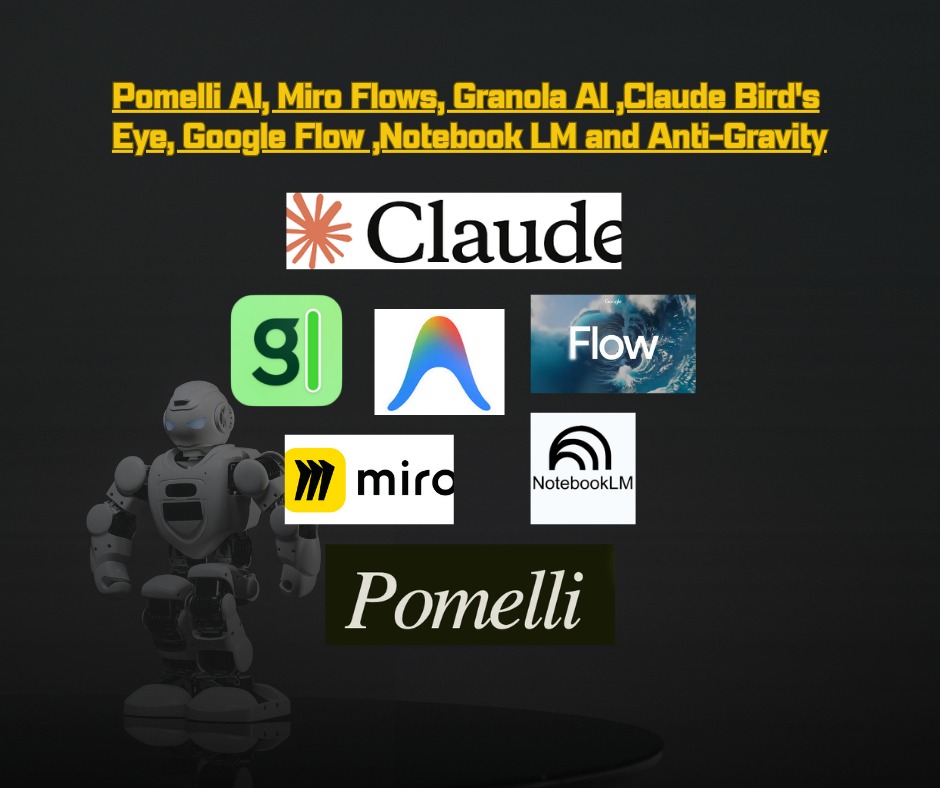
Pomelli AI—Google’s Secret Weapon for Marketers
Pomelli AI – An AI Tool That Actually Does Something Useful for Marketers.
Any internet link can be pasted into Pomelli AI. That’s all. The website’s color scheme, merchandise, branding elements, and even the products the company is attempting to offer are all extracted by the application.
Then? It makes several advertisements for your company. not merely still photos. We’re talking actual video ads with an influencer using the product.
Take a moment to consider this.
You may just copy the link to your website to create ready-to-run video advertisements for Facebook and Instagram if you are a direct-to-consumer firm. With a single click, Pomelli has completely replaced a group of marketers, including editors, copywriters, and designers.
Best for: E-commerce brands, small business owners, marketers,
Miro Flows—Finally, Your Brainstorming Actually Leads to Action
Miro Flows turns ideas into action.
You start your session on a canvas with sticky notes, sketches, or anything else. All of that is then turned into structured, useful outputs by Miro Flows. For marketers, that entails creating a content calendar or campaign breakdown automatically, without the need for additional tools.
- Create a project plan from a brainstorm.
- Create a summary paper based on user comments
- Create a working prototype from a mood board.
It doesn’t take the place of thinking. After the idea stage, everything happens more quickly and effectively. It was once a time-consuming manual procedure. Not right now.
They provide “Sidekicks”—AI assistants that you can utilize in particular parts of your workflow to summarize papers, answer queries against your live canvas, or put decisions under pressure.
Best for: Creative teams, Project managers, marketers
Granola AI—Takes Notes Without Even Joining Your Meeting
A Smart AI Tool That Actually Works for Meeting Notes. Granola AI assists you in taking notes following a meeting. The intriguing thing is that it doesn’t attend your meeting.
You simply switch it on. It makes notes while listening to what’s going on on your laptop (the audio on your MacBook). Granola will have a comprehensive report ready for you before the end of the call.
Why is this important?
Due to the fact that most AI meeting bots are intrusive. Their name is revealed when they join the call. Everyone is aware of their presence. Let’s face it, people are more wary when they are aware that a bot is recording them. They don’t say what they truly want to.
Granola takes care of that. It simply listens in the background at a low volume.
Best for: Anyone who takes meeting notes (consulting, especially sales, recruiting)
Claude Co-Work—My Personal Favorite
The way I utilize AI has completely changed as a result of this technology.
On your MacBook, Claude Co-Work is located directly within the Claude software. You may access it by paying for the Claude subscription, which is worth every rupee.
And after you’ve had it? On your PC, you may ask it to do anything.
Want it to analyze your files and create a PowerPoint? Done.
Need it to review stored PDFs? Simple. It can also add signatures and resize files without any hassle.
Best for: Professionals, Power users, and anyone already using Claude
Bird’s Eye App—Expand Your Mind
This one is not like the others. It has nothing to do with marketing or productivity. It has to do with education.
Bird’s Eye helps expand your knowledge base. After you log in and enter a few interests, it displays subjects related to your current interests.
For instance, you might find game theory to be an interesting subject if you are passionate about learning about machine learning. You should get it from Bird’s Eye.
In its visual interface, subjects appear as connected dots, showing how ideas relate to each other. Discovering the connections between cognitive biology and finance or psychology and artificial intelligence will astound you.
Best for: lifelong learners, students, and curious minds
Google Flow—Make Viral Talking Objects Videos
You’ve probably seen those videos where food products talk to each other, or objects get married or break up. These strange ideas often go viral.
You can create these films with Google Flow.
All you need is a photo of the thing you wish to discuss. Add it to Google Flow, the company’s end-to-end platform for creating videos. “This is an avocado” is the next prompt. I want this avocado to express XYZ.
Hit Enter. It produces a 10- to 20-second video in which the avocado says precisely what you wrote.
Best for: Marketers, Social media creators, and anyone wanting viral content
Notebook LM – Your Textbook Just Got a Movie Upgrade
Notebook LM is already popular among students. For students, it’s fantastic since It allows all course materials to be stored in one place while generating podcasts and summaries.
Now, though? An animated video has been added.
Consider your dull textbook. Copy and paste it into Notebook LM. After five minutes? You have an animated video that provides a visual explanation of that subject. Watching a movie that you have created can teach you anything.
Best for: Teachers, lifelong learners, and students.
Google Anti-Gravity – Build Anything, Locally on Your Laptop
We have concluded. It’s time for the bonus tool.
An AI IDE is called Anti-Gravity. When you launch it on your MacBook or PC, you can begin creating whole full-stack programs from the ground up by simply entering prompts.
Anti-Gravity operates locally on your laptop, which is why it’s superior to all those “vibe coding” apps and websites you’ve used. You keep the code. Everything is on your computer, and it has the ability to change files.
You are free to connect with any AI model. Make use of the most recent Gemini models. Make use of Claude Sonnet 4.6. Whatever you like.
Readers from Pakistan should be aware that the majority of Google technologies, such as Flow, Notebook LM, and Anti-Gravity, are totally free. Go there first. International payment methods are necessary for Claude and Pomelli.
Frequently Asked Questions (FAQs)
Which AI tool is completely free?
Google Anti-Gravity, Google Flow, and Notebook LM are all free (with a Google account).
Which tool is best for students?
Bird’s Eye (which increases knowledge) and Notebook LM (which transforms textbooks into animated films).
Which tool works offline?
On your laptop, Google Anti-Gravity operates locally. Others need the internet.










Leave a Reply